
Connect headsets
Register a NEXEO headset
- 01
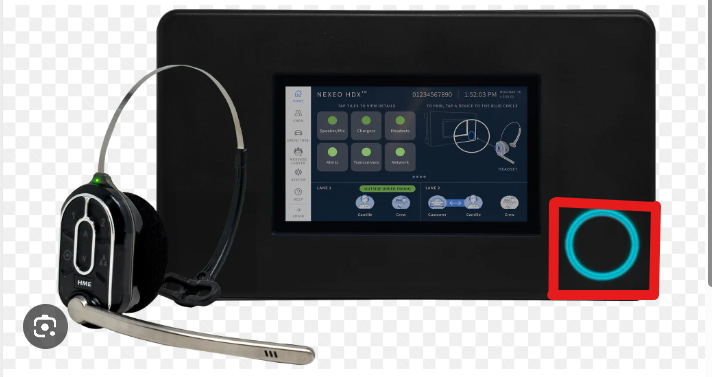
Turn the headset on and hold it near the blue circle on the headset base.
- 02
Under roles, select “Drive Through” and press “Skip”.
- 03
The headset is now registered and should work normally.
- 04
Still having trouble? Call 787-731-1000 and a technician will check your equipment.
Still need help?