
Connect headsets
Register HME EOS HDX headsets
- 01
Press “Menu”, then “Register headsets”.
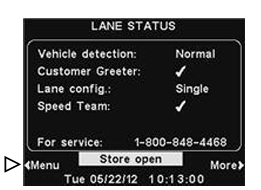
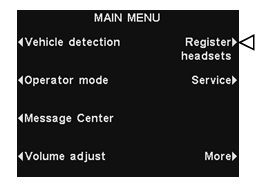
- 02
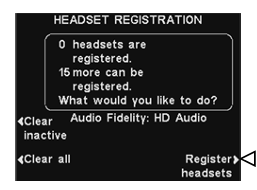
On the next screen press “Register headsets” in the lower right corner.
- 03
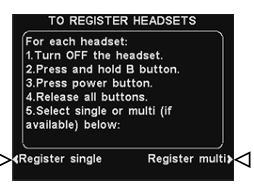
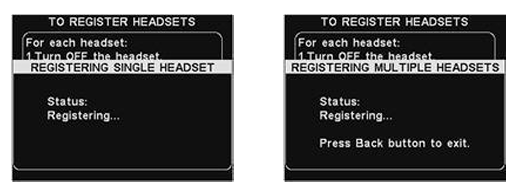
For each headset: turn it off, hold the “B” button, press power, then release all buttons.
- 04
Select Single or Multi.
- 05
Headsets light up green once connected.
Still need help?