
Hik-Connect
Find recordings in the EPCOM system
- 01
Log in with your account.
- 02
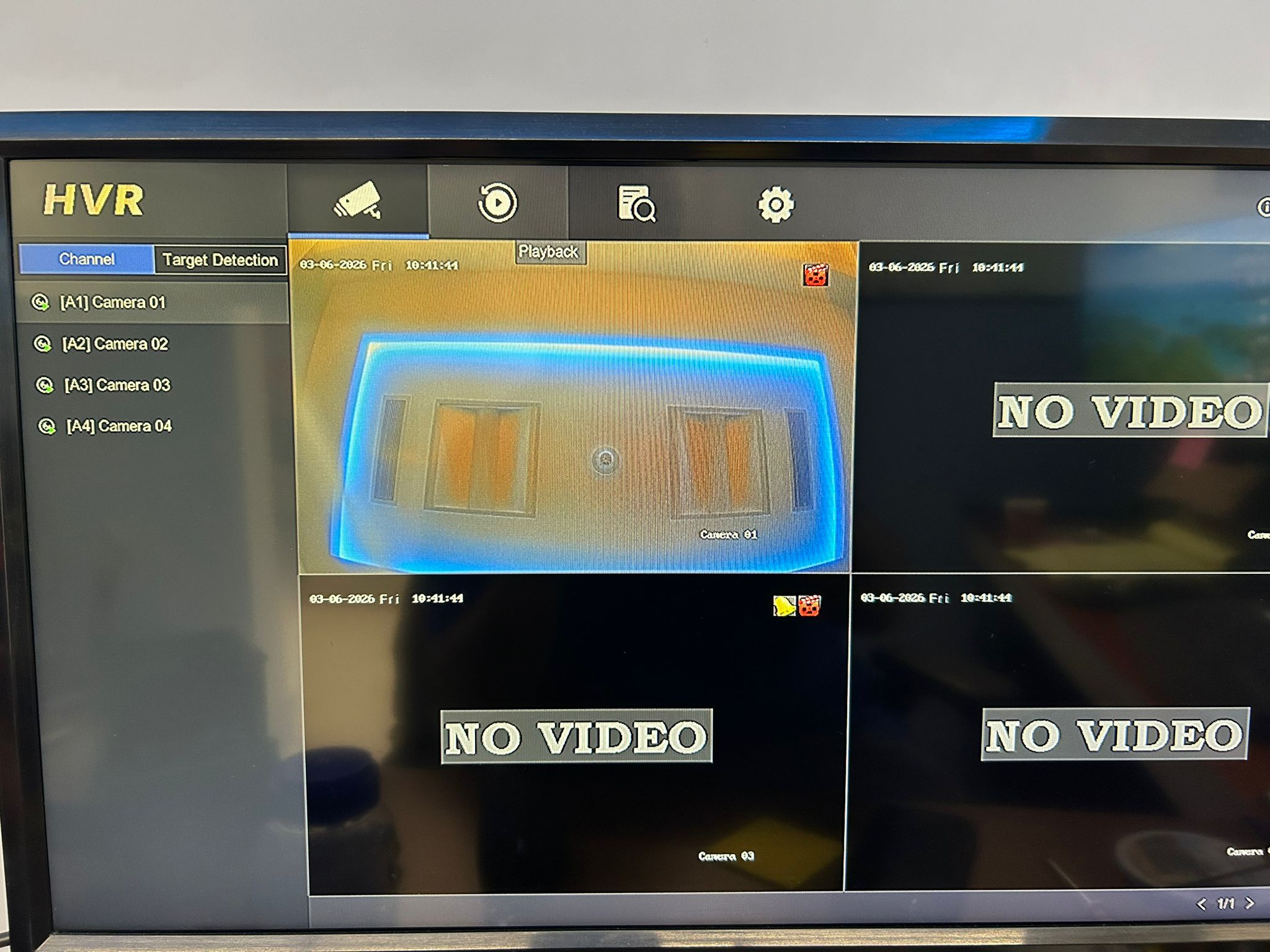
Open the “Playback” section.
- 03
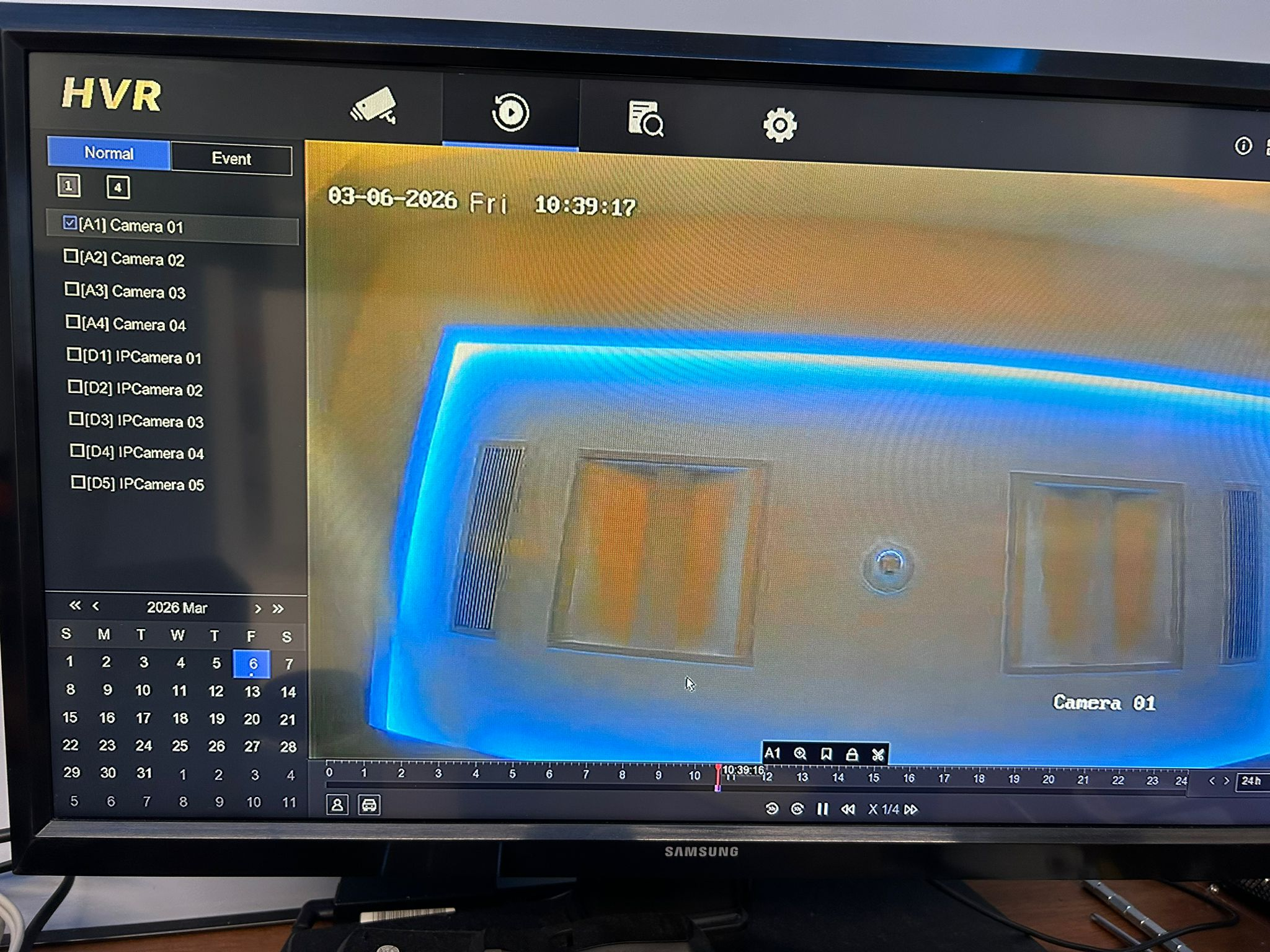
Select the camera and the date on the calendar.
- 04
Use the bar at the bottom of the screen to find the right time.
Still need help?
Hik-Connect
Log in with your account.
Open the “Playback” section.
Select the camera and the date on the calendar.
Use the bar at the bottom of the screen to find the right time.
Still need help?