
Music (MoodMedia & Harmony)
How to create playlists in MoodMedia
Go to the Music section. There are 3 playlist types: Mixes (by genre), Stations (by artist) and Programs (curated by MoodMedia).
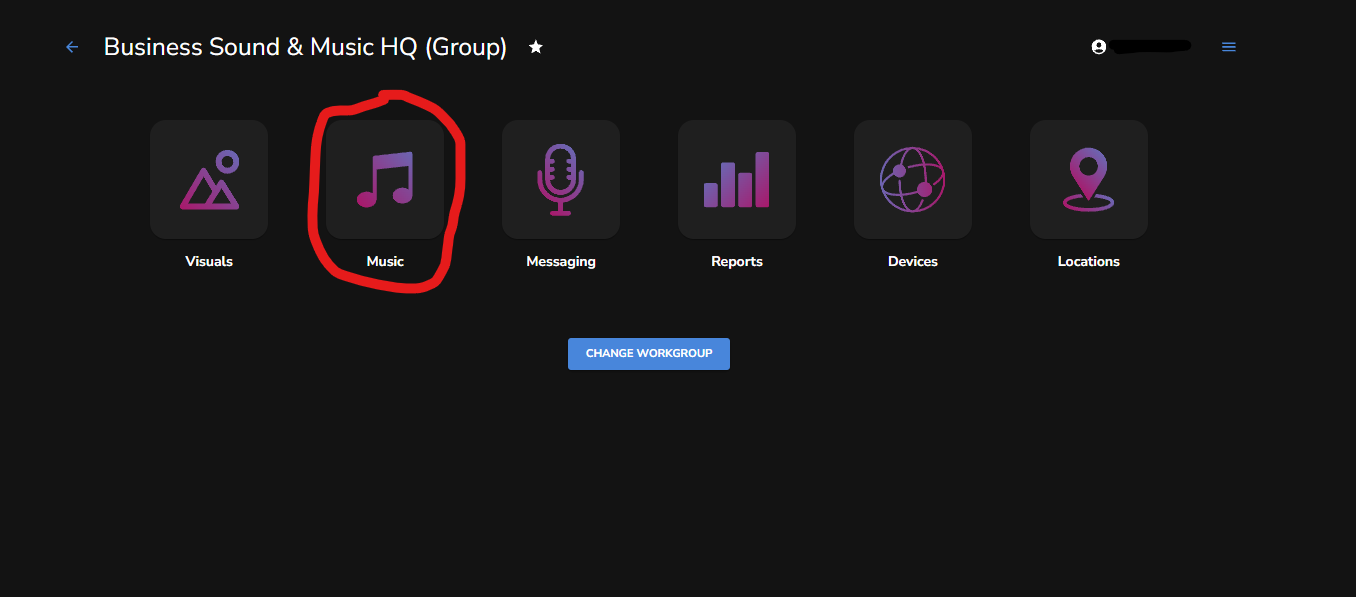
- 01
Mixes: choose “Create a Mix”, give it a descriptive name and pick 3–10 genres.
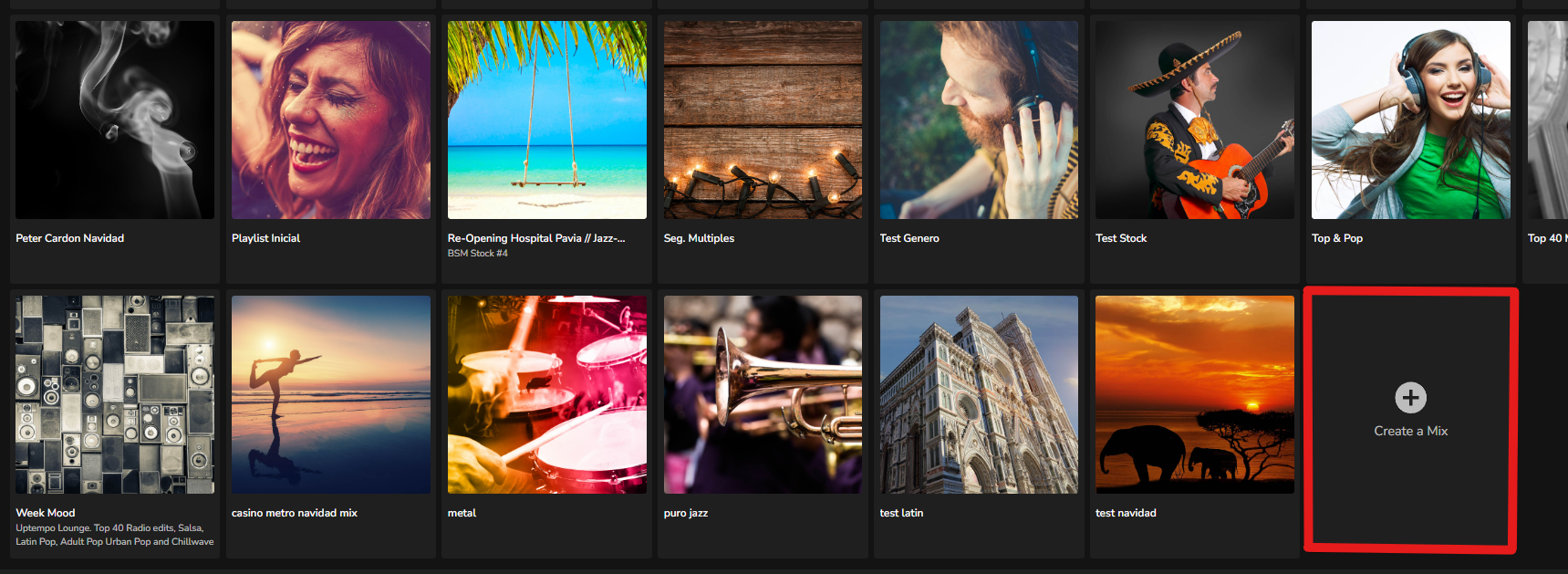
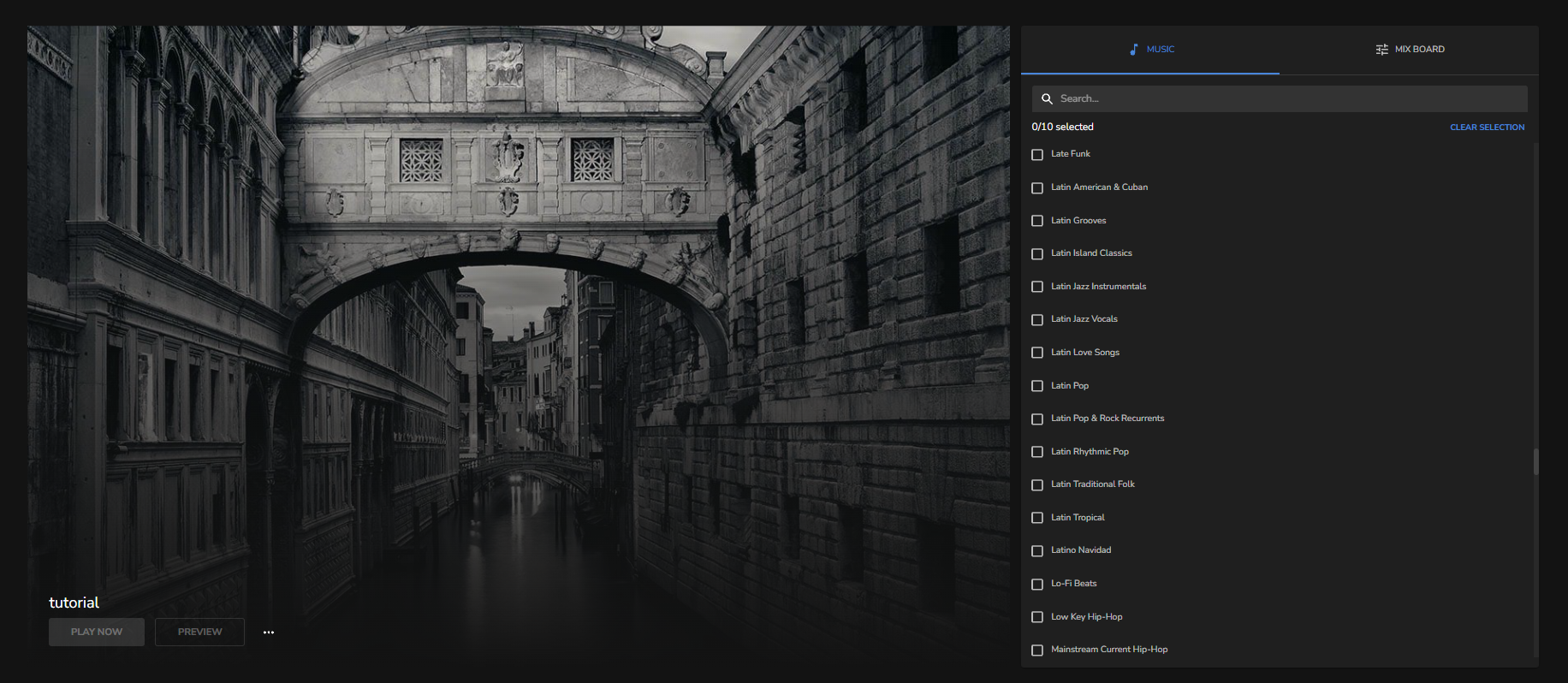
- 02
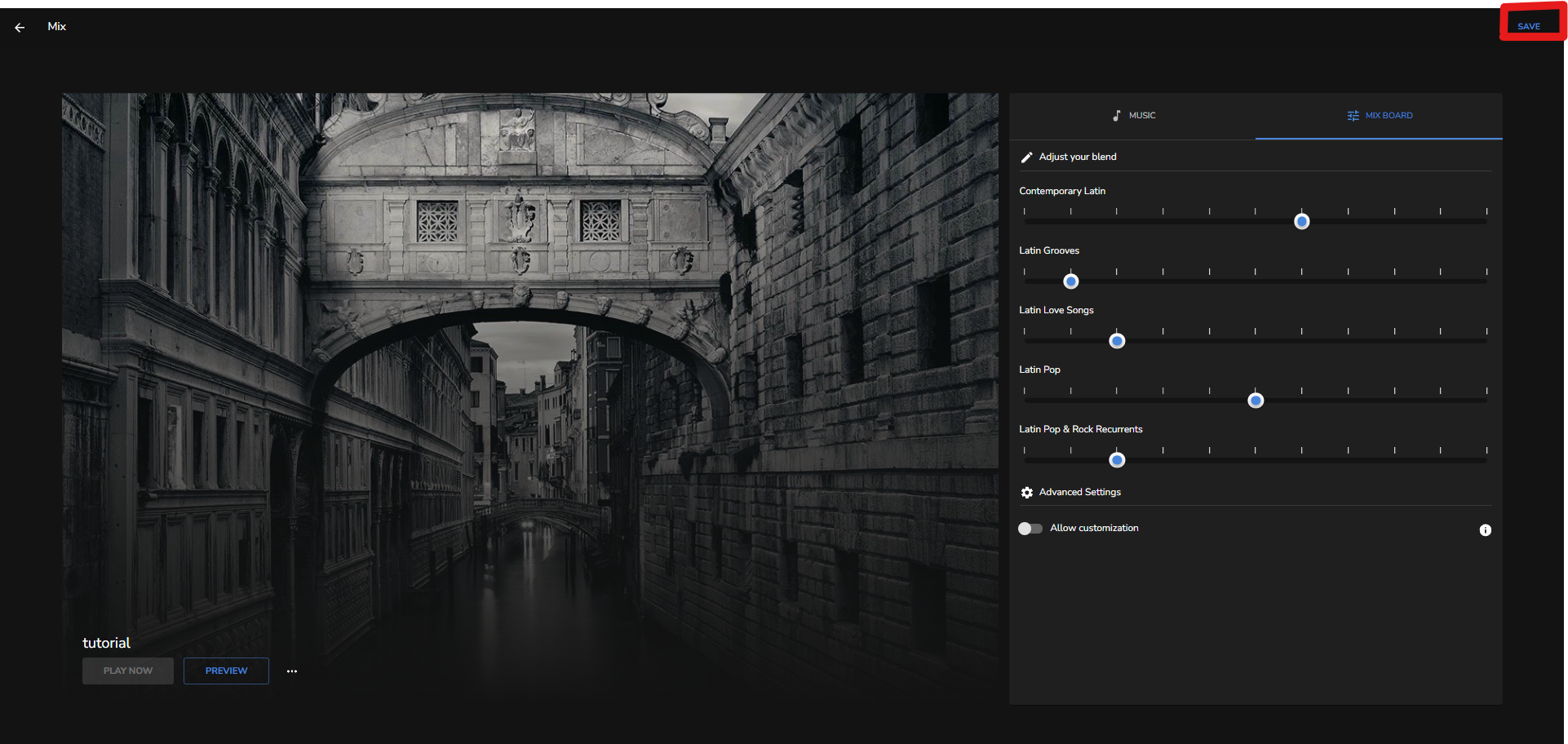
In the “Mix Board” tab set how often each genre plays (higher = more often), then click “Save”.
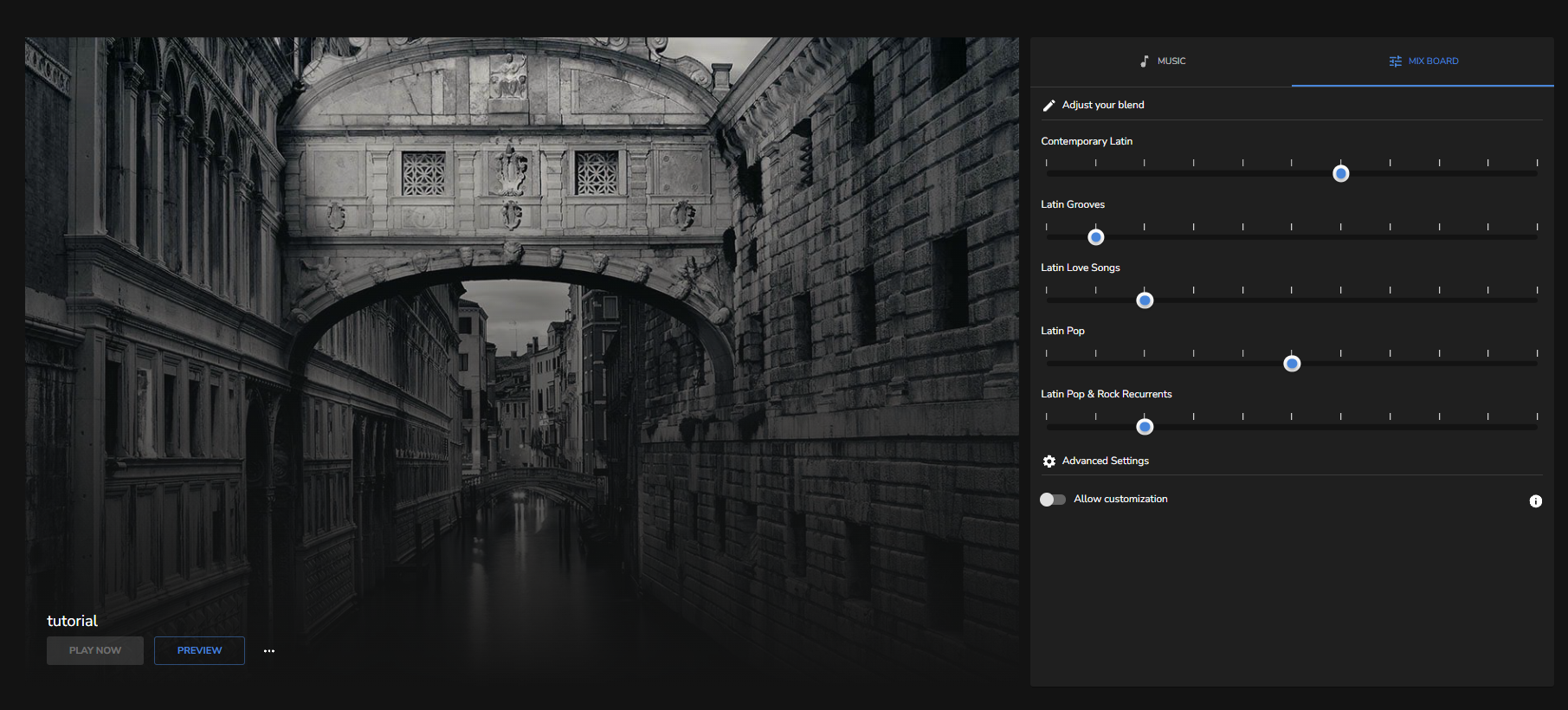
- 03
Stations: choose “Create a Station”, name it and add a description.

- 04
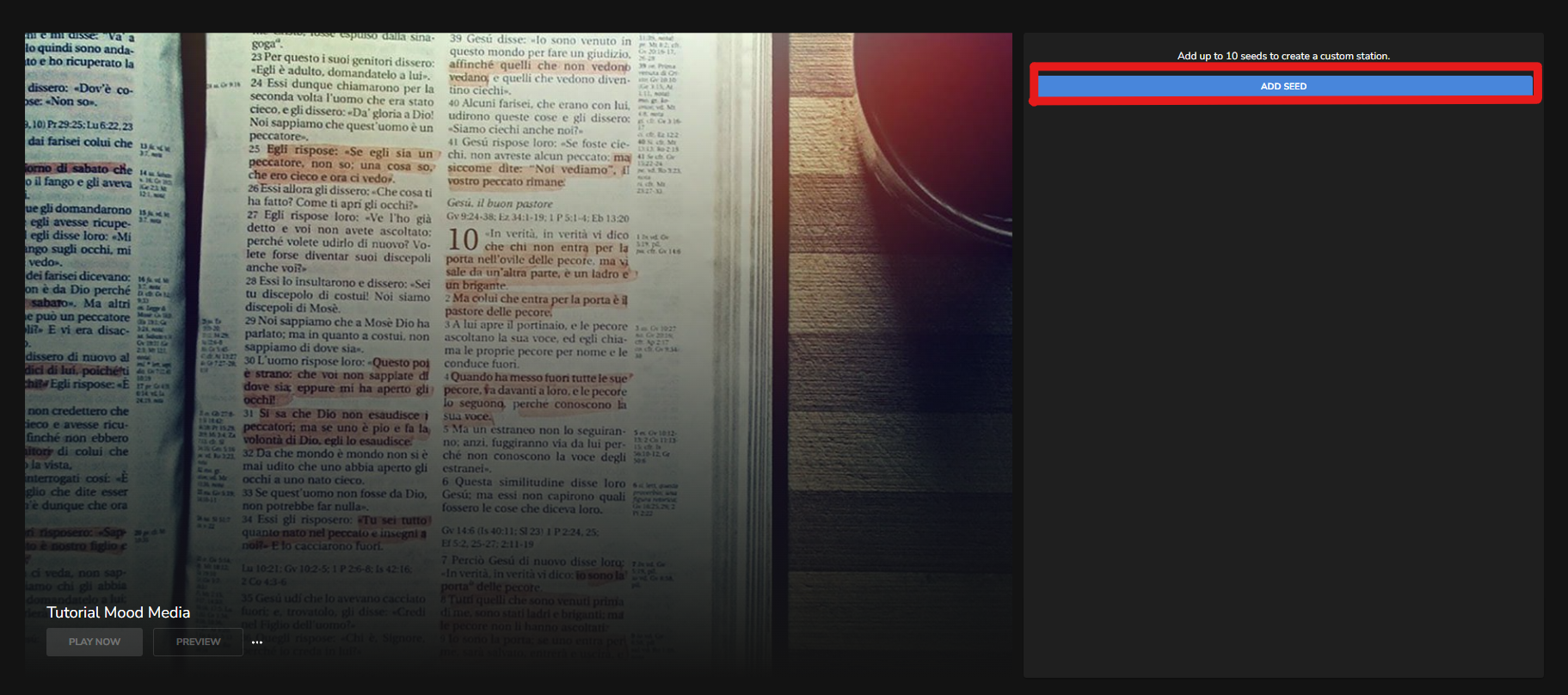
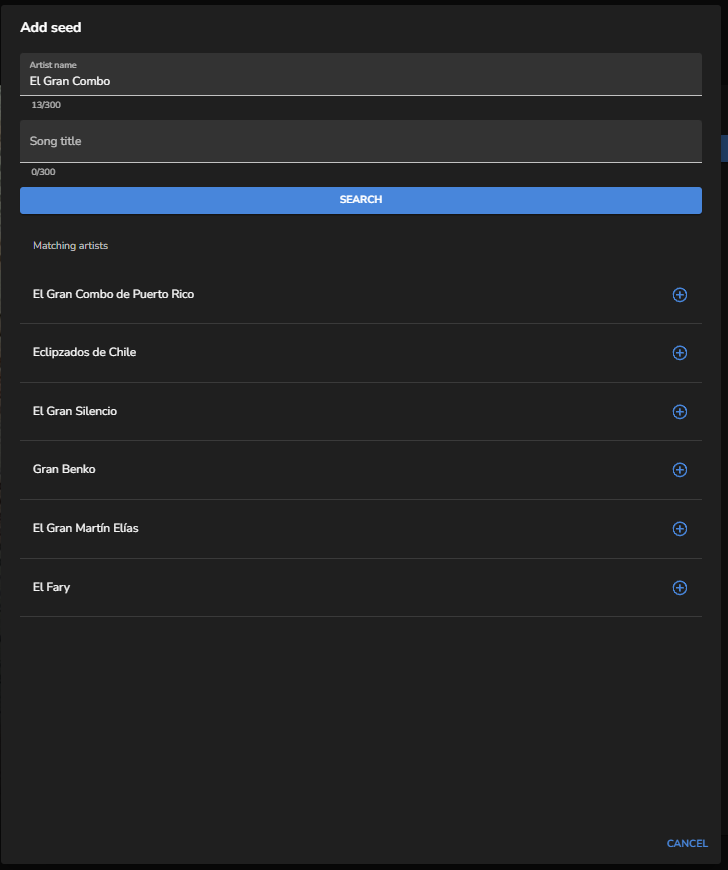
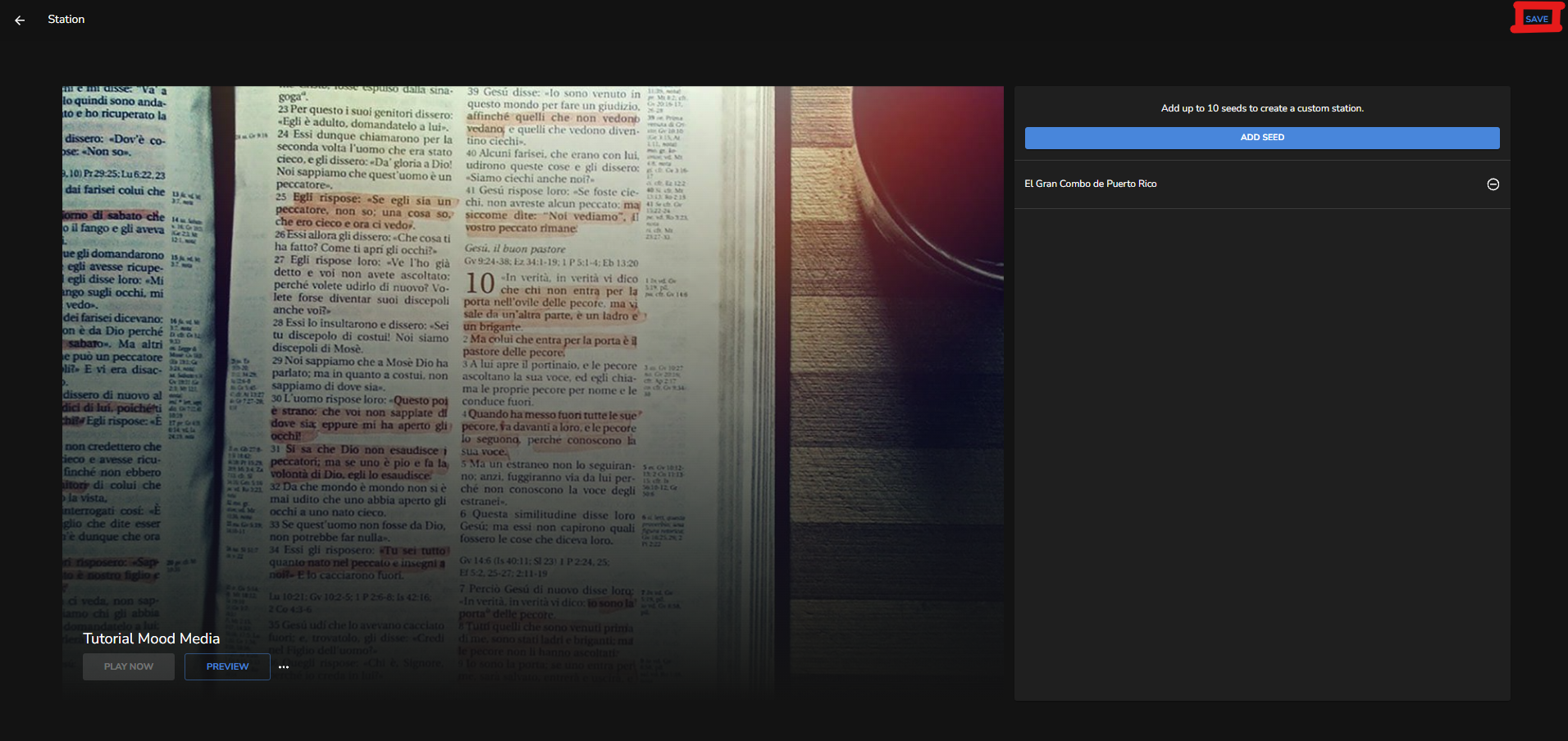
Click “Add Seed” and add artists or songs (e.g. Héctor Lavoe, Willie Colón, El Gran Combo for salsa), then “Save”.
- 05
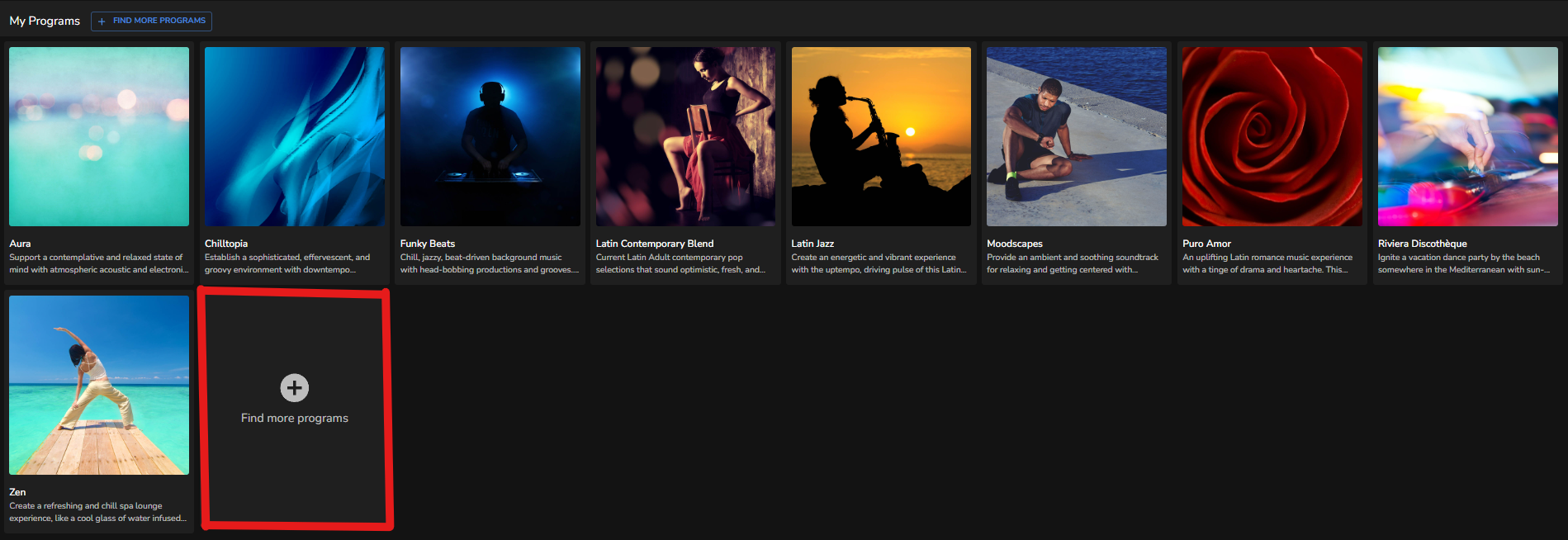
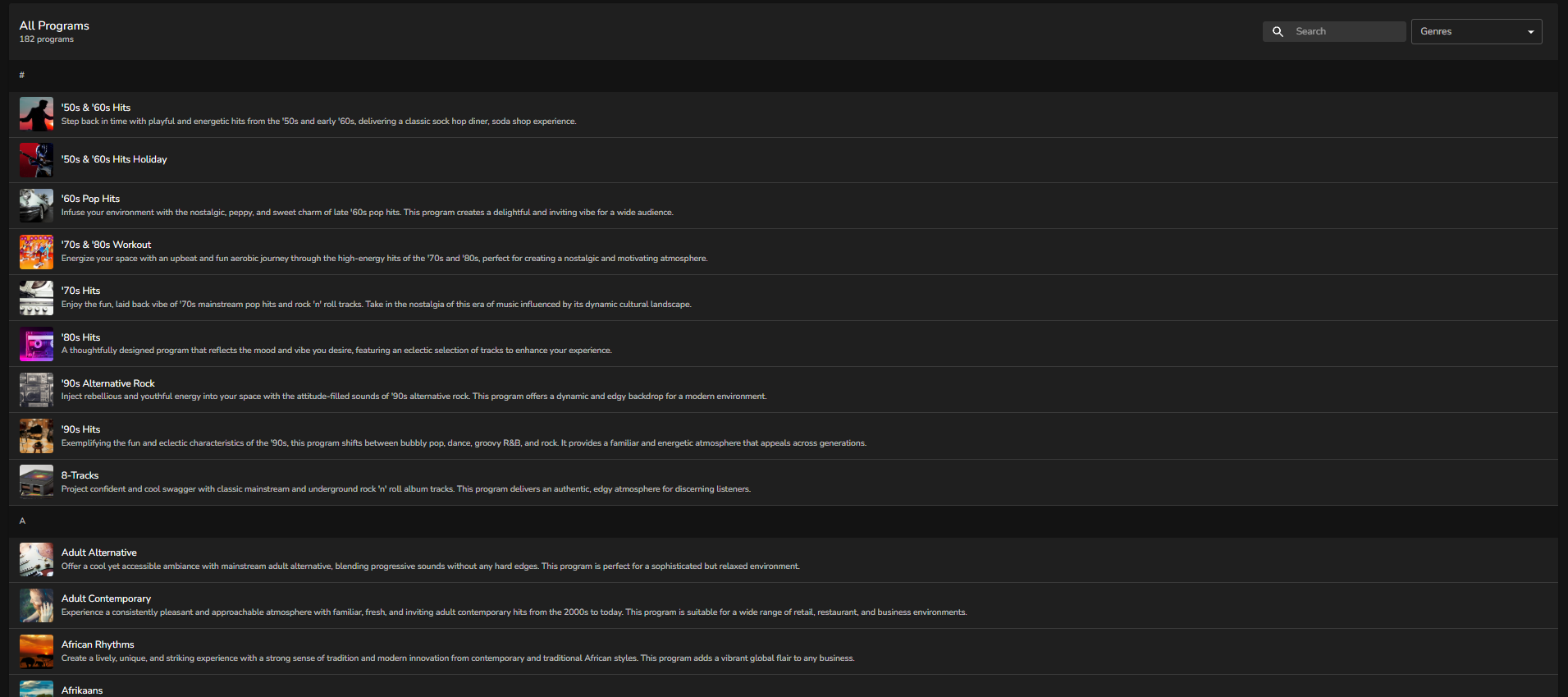
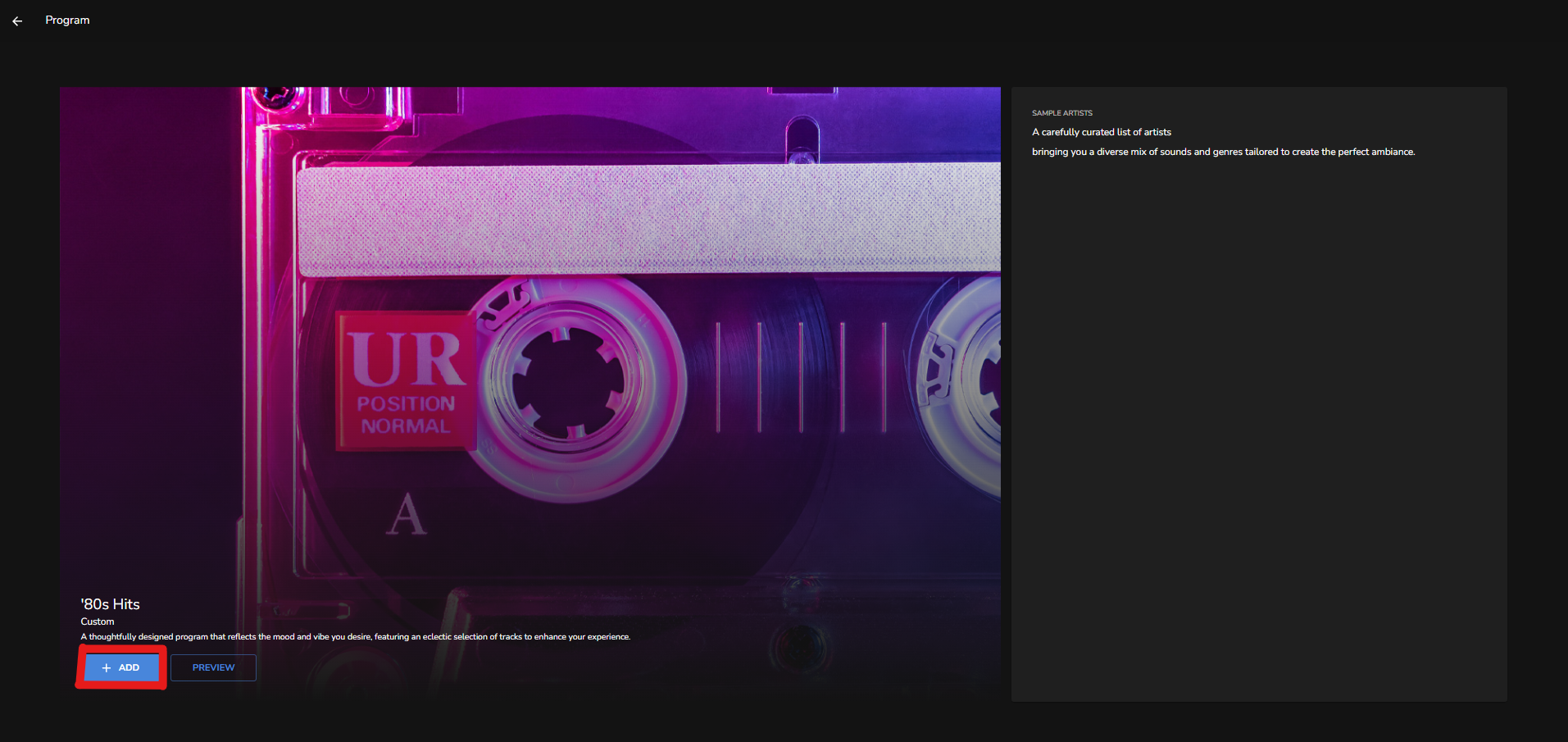
Programs: click “Find more programs”, select one from the list and press “Add”.
Still need help?